> For the complete documentation index, see [llms.txt](https://docs.palliora.org/llms.txt). Markdown versions of documentation pages are available by appending `.md` to page URLs; this page is available as [Markdown](https://docs.palliora.org/use/use-a-model.md).
# Use a Model
You can use any of the available Models on Palliora. To use a Model, you will need to first get access to the Model.
Do the following to get access to a Model:
{% hint style="info" %}
Make sure you have the required amount of tokens before requesting access. To get tokens on the test network, you can use the [faucet](https://manas.palliora.org/faucet)
{% endhint %}
1. Open [Explorer](https://manas.palliora.org/browse)
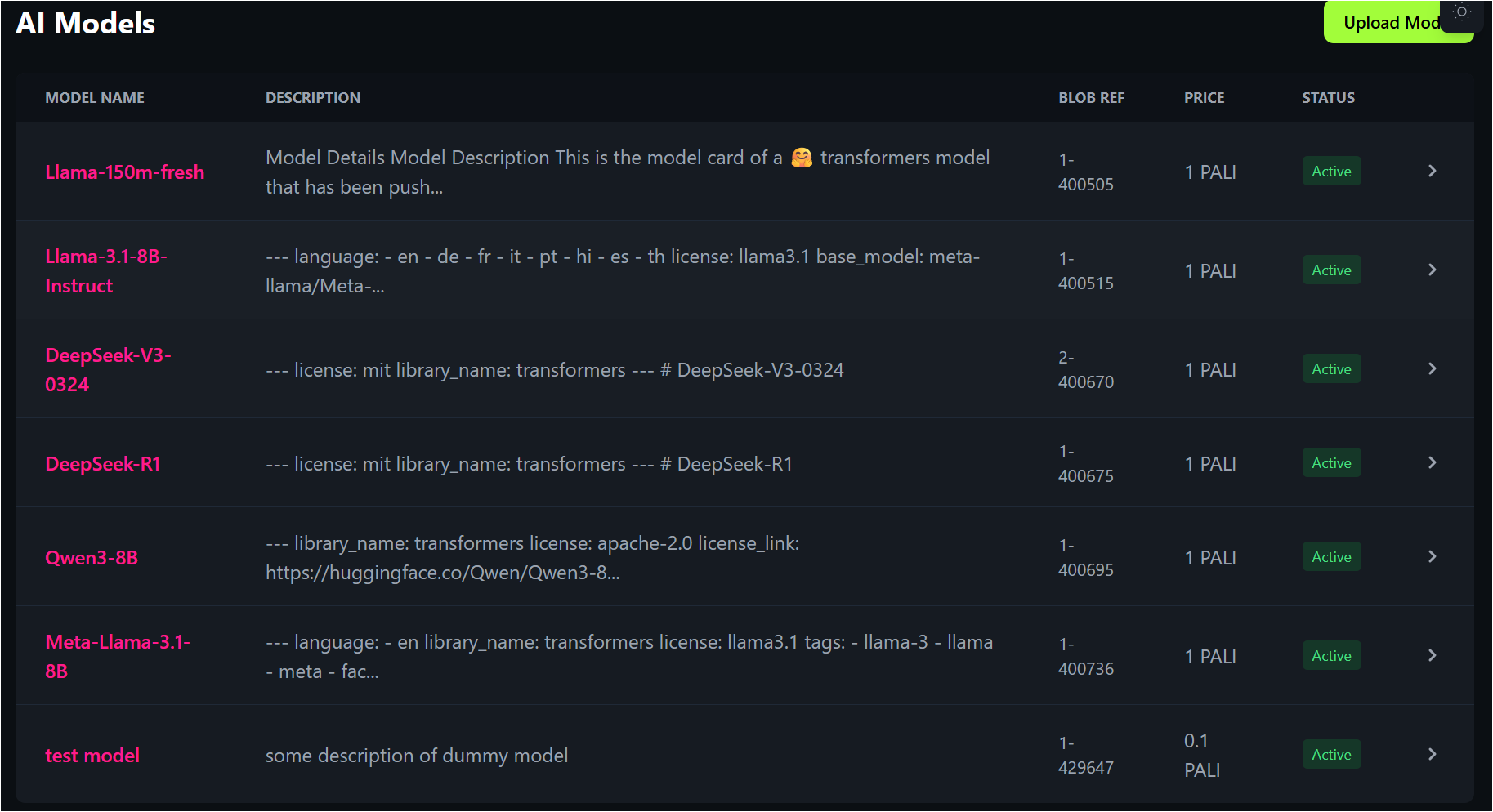
2. Click **Models** to view all available Models
3. Select the Model that you want to get access to
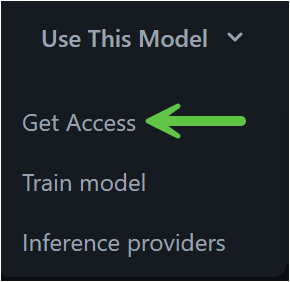
4. On the Model details page, click **Use This Model** > **Get Access**
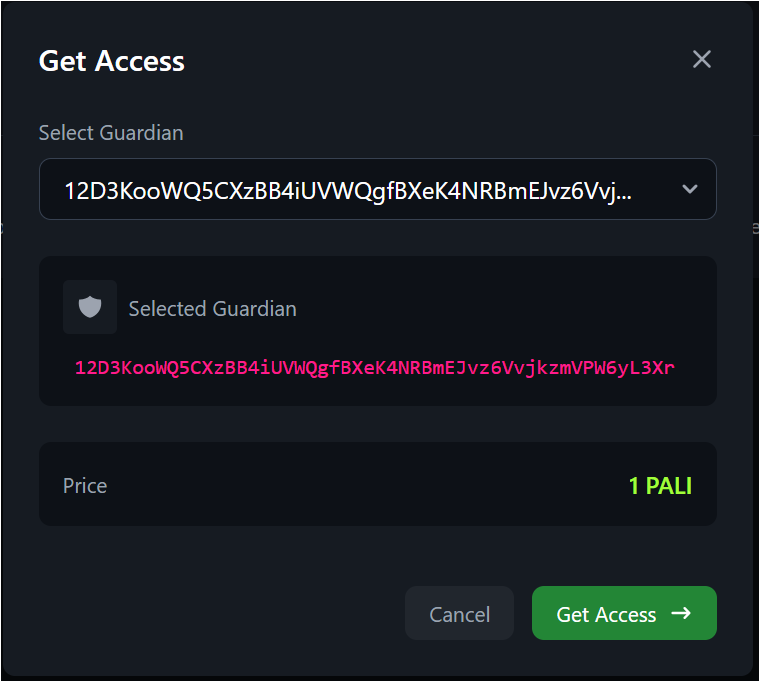
5. Select a [Guardian](link://concept/gaurdian) from the list and click **Get Access** to pay for the Model access
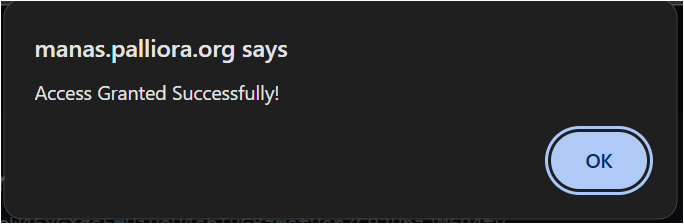
Congrats, access to the Model is successfully granted!
See private AI inference on sensitive data while maintaining user privacy at